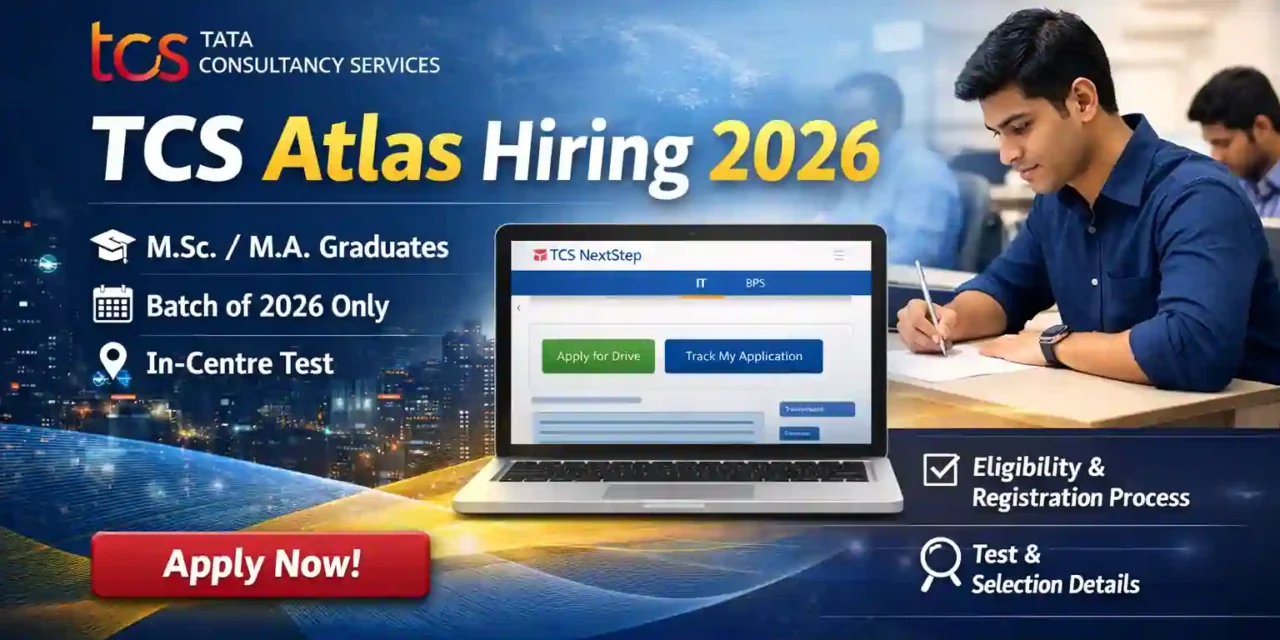
TCS Atlas Hiring 2026 is a specialised recruitment programme by Tata Consultancy Services for candidates with strong analytical and quantitative skills. The program is designed to onboard future professionals in Data Science, Analytics, and Business Consulting roles
TCS Atlas Hiring 2026 – Job Overview
| Company Name | TCS |
| Program Name | Atlas |
| Location | Bangalore |
| Batch | 2026 |
| Eligibility | M.Sc / M.A (specific specializations only) |
| Test Mode | In-Centre (TCS iON) |
| Last Date to Apply | 25 January 2026 |
| Job Type | Full Time |
*Stipend figures are indicative and based on industry sources. Actual compensation may vary.
Eligibility Criteria TCS Atlas 2026
Educational Qualification
Candidates must be pursuing a 2-year full-time postgraduate programme from a recognised university:
-
M.Sc. in Mathematics or Statistics
-
M.A in Economics
-
Part-time or correspondence courses are not eligible.
Year of Passing
-
Batch of 2026 only
Requirement
- Aadhaar Card is mandatory for registration on the TCS NextStep portal
- Name and Date of Birth must exactly match Aadhaar details
Selection Process
-
Test date will be communicated to shortlisted candidates
-
Test will be conducted at TCS iON centres
-
Results and next steps will be shared via registered email ID
Application Process – TCS Atlas Hiring
Step 1: Register on TCS NextStep Portal
-
Visit the TCS NextStep Portal
-
Choose category as “IT”
Step 2: Complete Registration
-
Existing users:
Log in using your CT/DT Reference ID and complete the application form -
New users:
Click Register Now, select IT, fill details, and submit the form
Step 3: Apply for the Drive
-
Click “Apply for Drive”
-
Select In-Centre test mode
-
Choose your preferred test centre
Step 4: Confirm Application Status
-
Go to Track Your Application
-
Status should show “Applied For Drive”
If you do not click Apply for Drive, your application will not be considered.
Also check HR Interview Questions and answers.
How to Apply for TCS Atlas Hiring 2026
- Apply through the official TCS careers website (link provided below).
- Complete the online application with an updated resume.
- Submit the application and track updates via your registered email ID
For updates or assistance, you may join our Telegram support group.

| Apply Link for TCS Atlas |
Click here to apply. |
| Join our WhatsApp Community |  |
Frequently Asked Questions – TCS Atlas Hiring 2026
Which profile category should I choose on TCS NextStep?
Select IT (not BPS).
Is “Apply for Drive” mandatory?
Yes. Without this step, your application is invalid.
I didn’t receive a confirmation email. Is that normal?
Yes. Check “Track My Application” for status.
What if my account gets locked?
After multiple incorrect OTP attempts, the account auto-unlocks after a cooldown period.
Can I edit my application after submission?
Yes, but only limited fields can be edited before applying for the drive.
What if I registered under BPS by mistake?
Email [email protected] to delete the profile and re-register under IT.
Disclaimer: This job information is shared for informational purposes only and is sourced from the official company website. We are not affiliated with the company and do not guarantee recruitment or selection. No fees are charged for sharing this information.